Luminary Protocol v0.36
Development Update 09/12/2025
Well this has been a busy week. Update is a day early as I'm out most of the day tomorrow.
I've just finished adding in all the sprites, static images and animations for 0.4. I still have all the sound and music to do, I doubt I will make the Wednesday EA release date I was hoping for, but I might still be able to get it out for Thursday. I'm not sure, there are a lot of varied scenes which will require different ambient sounds as well as quite specific sound effects, so that's likely to take up a bit of time.
My 5080 and new monitor came on Friday and I had the day off to try and take advantage of them and get some progress done. Unfortunately I ended up losing most of the day to tech gremlins. Installing the new card and setting my workspace for the 2nd monitor all went nice and smoothly. However, Stable Diffusion and FramePack needed a lot of screwing around with in order to get them up and running.
SD wasn't too bad, just needed to overhaul the installation, uninstall some modules and update some dependencies. With stuff like this, I find that asking Gemini what I need to do is a life saver. I'm not particularly technically orientated by dev standards, so messing around with command prompts and python updates is not my strong suit. But I just had to give gemini the circumstances and ask it what to do and it produced a step by step instruction which was easy to follow. If something did go wrong, you can just give the error log to it and ask it what went wrong and why and it will tell you and how to fix it. It's not perfect, occasionally it sends me off on a wild goose chase, but on the whole it saves a huge amount of time in trawling forums or waiting for responses to questions.
FramePack has been a frigging nightmare. Got everything updated easily enough, but I've run in to one of those situations that just leaves you slightly dumbfounded. I can no longer use it to run longer animations. Anything more than 20 seconds and it crashes with an out of memory or page file too small error. Somehow, changing from a 10gb VRAM card to a 16gb VRAM one, makes framepack shit the bed when it comes to memory management. On my 3080 i had 10gb VRAM, 32gb RAM and a 50gb page file. Now I have 16gb VRAM, 32gb RAM and a 100gb page file and I'm still getting page file too small crashes. Very weird, very frustrating and spent all of my friday trying to fix it. To no avail. I have another 32gb of RAM on order as that should boost speed and allow longer generations.
However, generation speed for both SD and framepack is much faster. It's gone from about 2minutes per second to 50 seconds per minute at a higher resolution (we aren't talking massive res changes, but everything helps). I can also set the generator to produce longer chunks. By default FP produces chunks that are just over 1 minute longer and then stitches them together. That creates a very slight warping to the motion in FP videos and also takes time as it has to stitch each 1second generation on the previous ones to build up the animation. As I now have more VRAM I can run longer chunks (about 2.5 seconds) this creates smoother and more coherent animations but also reduces the time it takes to produce the animation because it is doing much less stitching of animations. When I do that, on longer generations (10-20 seconds) it gets the gen speed down to about 40 seconds per second of animation.
For SD the speed of generation is so much faster and more practical that it means I can do more generations on demand to get what I need. When I'm doing sprites, if I find I'm missing something for a scene, I'll often go back to haul through historic generations or put the scene on hold whilst I let it run in the background. But it produces images so quickly now that for 15 images it takes about 2-3 mins, whereas before it took around 15 mins. I've also noticed that the image quality is better. I didn't know why and the only thing I could see that was different about my SD installation was I had removed an addon called XFormers that wasn't compatible. I didn't know what it did, it was just one of those things that lots of online advice is to have it. It turns out it's intended to speed up SD on older GPUs and it does this by slightly reducing the time it takes creating precision in the final image. By removing it, the images I'm getting now are slightly better. So that's nice. What isn't nice is that it also changes how precisely it recreates the prompt, which means it has changed how all the characters appear slightly, so I'm going to have to spend some time working on altering their prompts to get them looking the same as before. They aren't way off, but it's noticeable to me.
As all of the graphics work has been done for the update, I can also show some stats here now. This has been quite a hefty one. I definitely can't maintain this pace, so updates of this size are an exception, not a norm.
64 x sprites and static images of Alice.
34 x animations of Alice
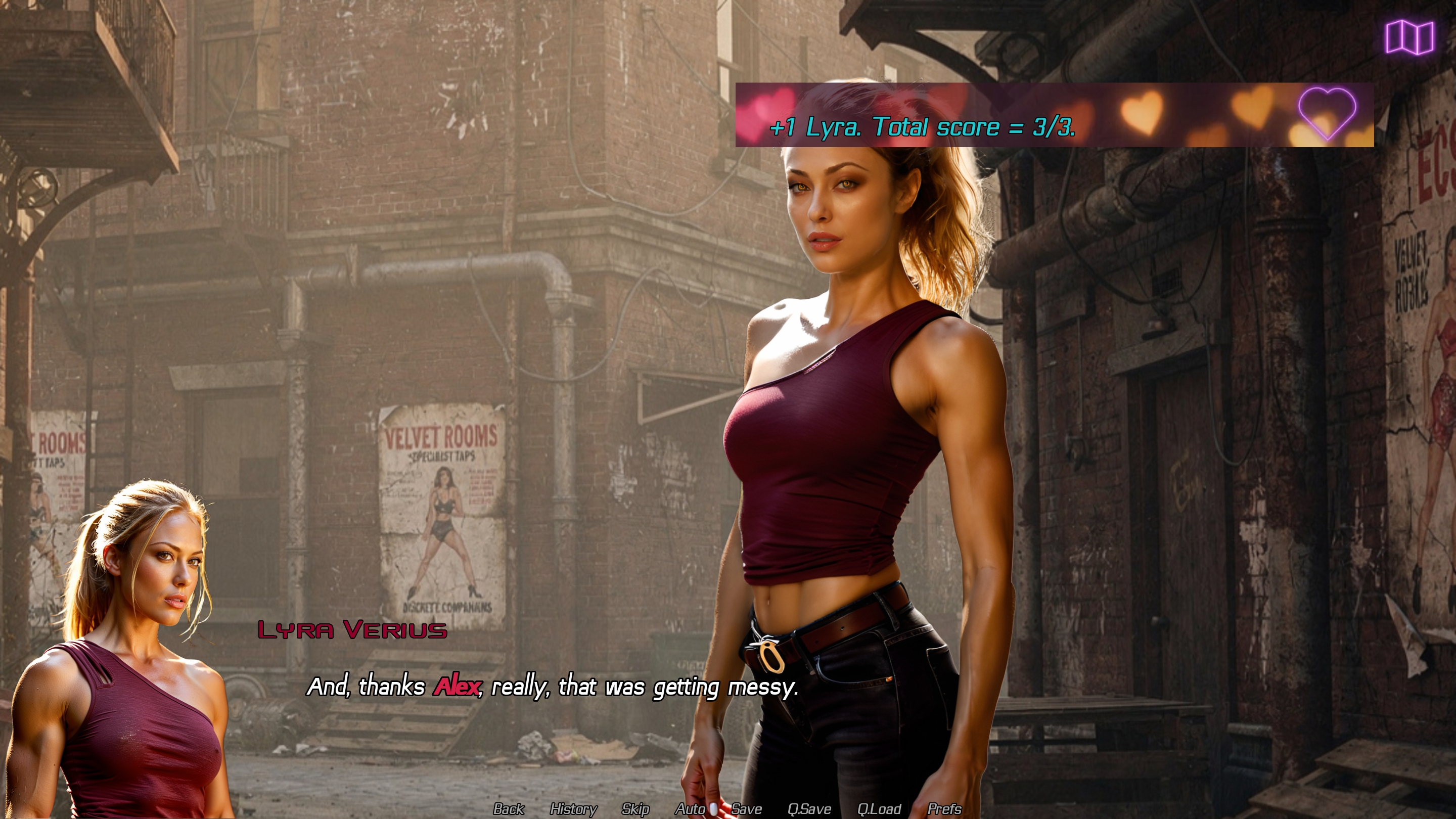
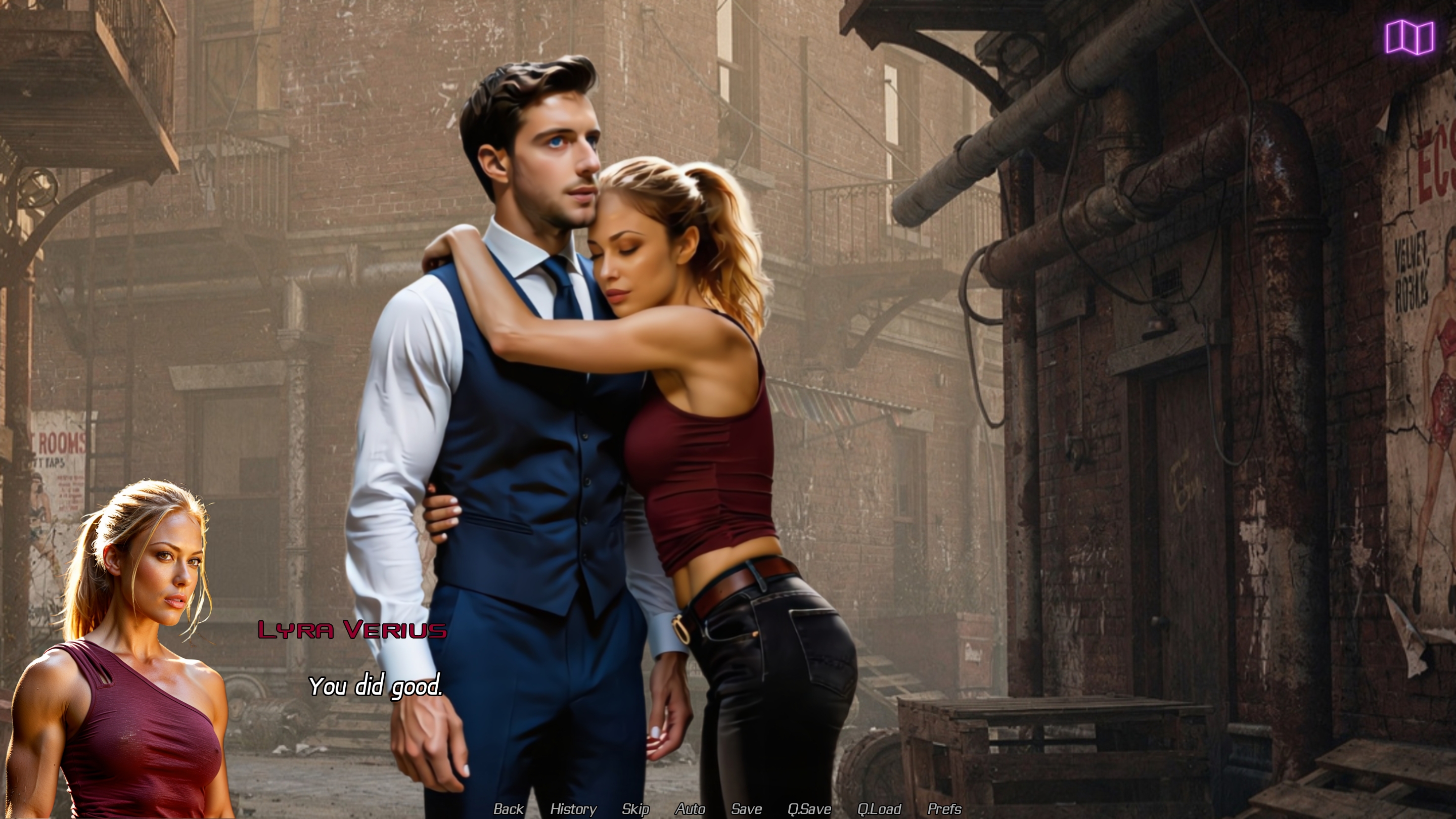
58 x sprites and static images of Lyra
20 x animations of Lyra
5 x sprites of Zara
1 x animation of Zara
57 x sprites and static images of secondary characters.
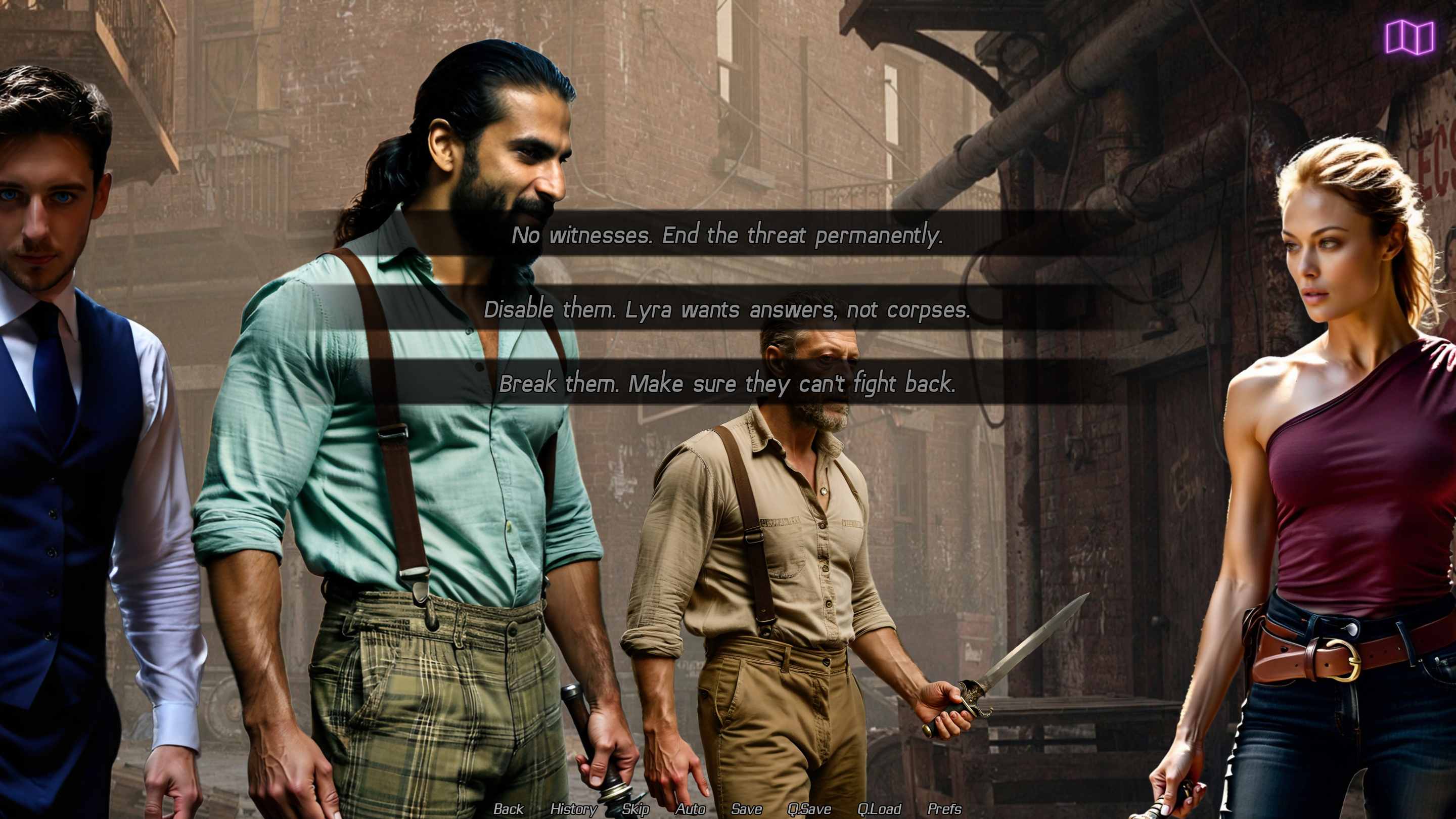
79 x backgrounds, static scene images and items.
10 x background animations.
21500 words of story.
about 2600 lines of scripting so far, this will increase as I add in the music and sound effects.

Leave a comment
Log in with itch.io to leave a comment.